The first thing to do is to use the "Getting Started" mode from the main menu. This will let you select from a set of figures, for instance like these ones:
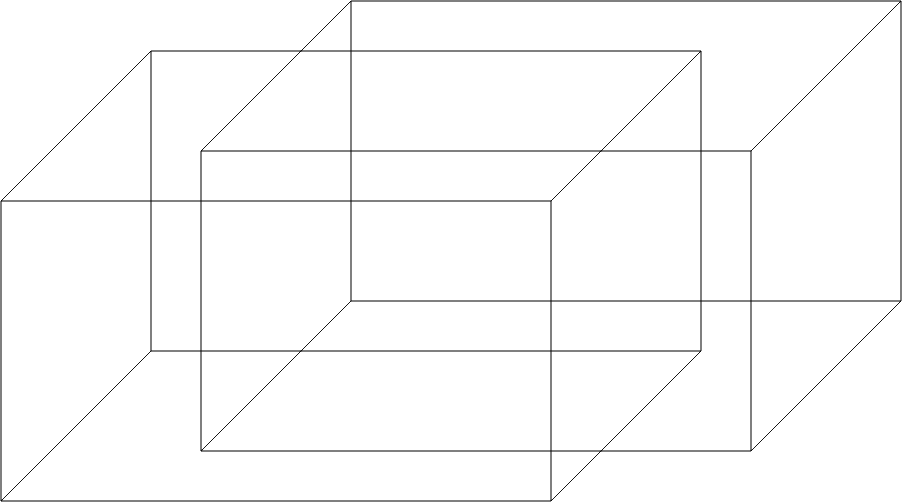
You will then automatically be taken into the impossible figure mode. As you move your cursor around the figure, each individual line segment will highlight red. When you click, the line segment will be removed from the figure.
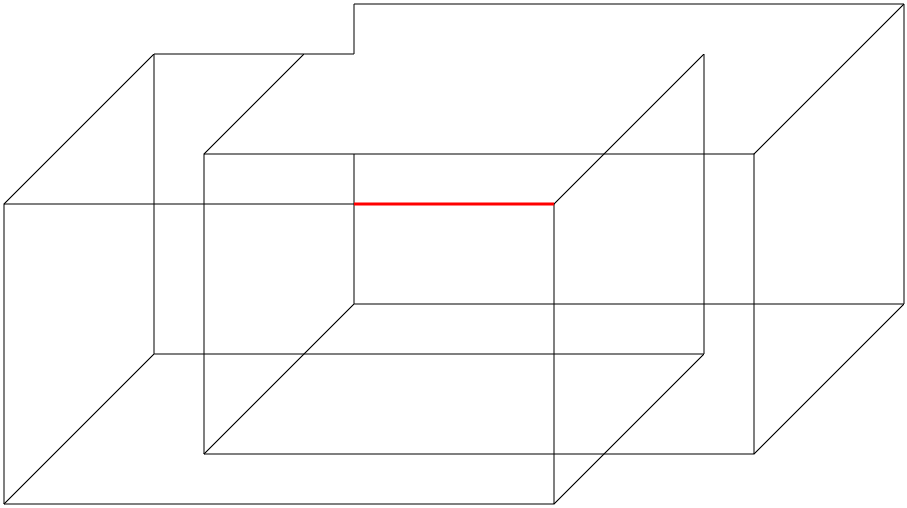
Don't worry though, as you'll still be able to select and click it again to make it reappear. Or you can always hit the reset button to return the figure to its original state.
Your goal while removing line segments is to trick your eyes into defining two different shapes which go against one another, just as you saw with the devil's fork in the impossible figure explanation.